This guide covers the main actions available in the Ekiden Wallet browser extension, from creating a wallet to approving transactions and managing networks.

First open

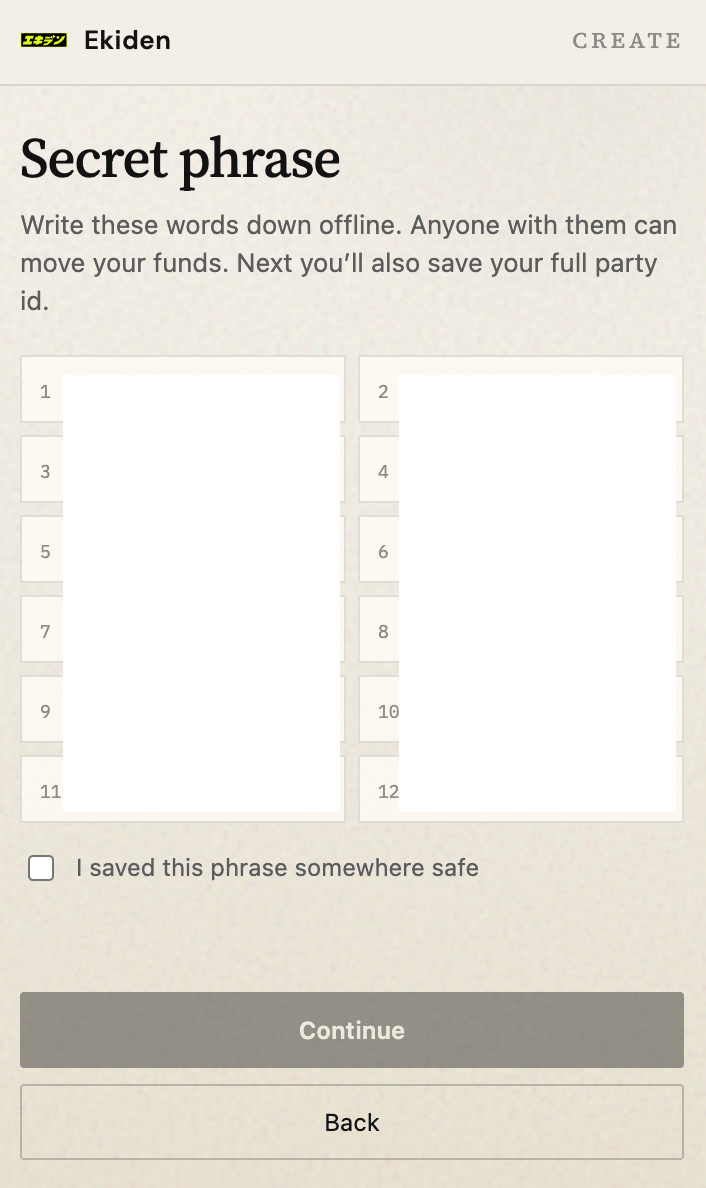
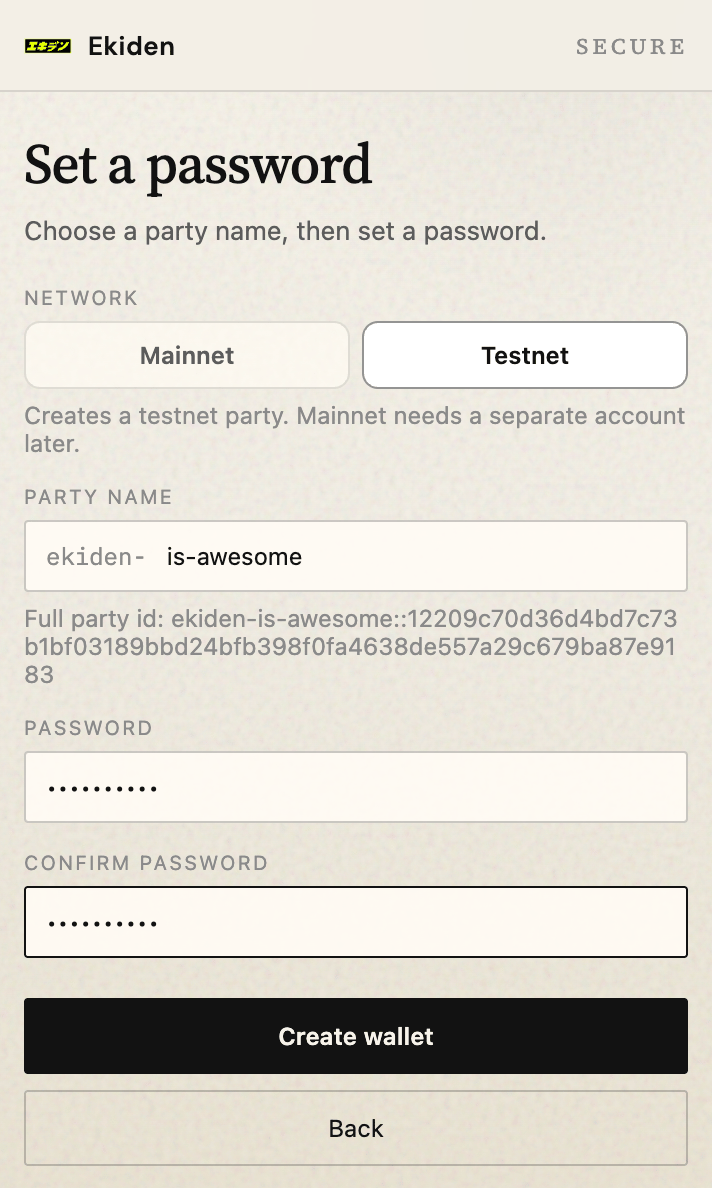
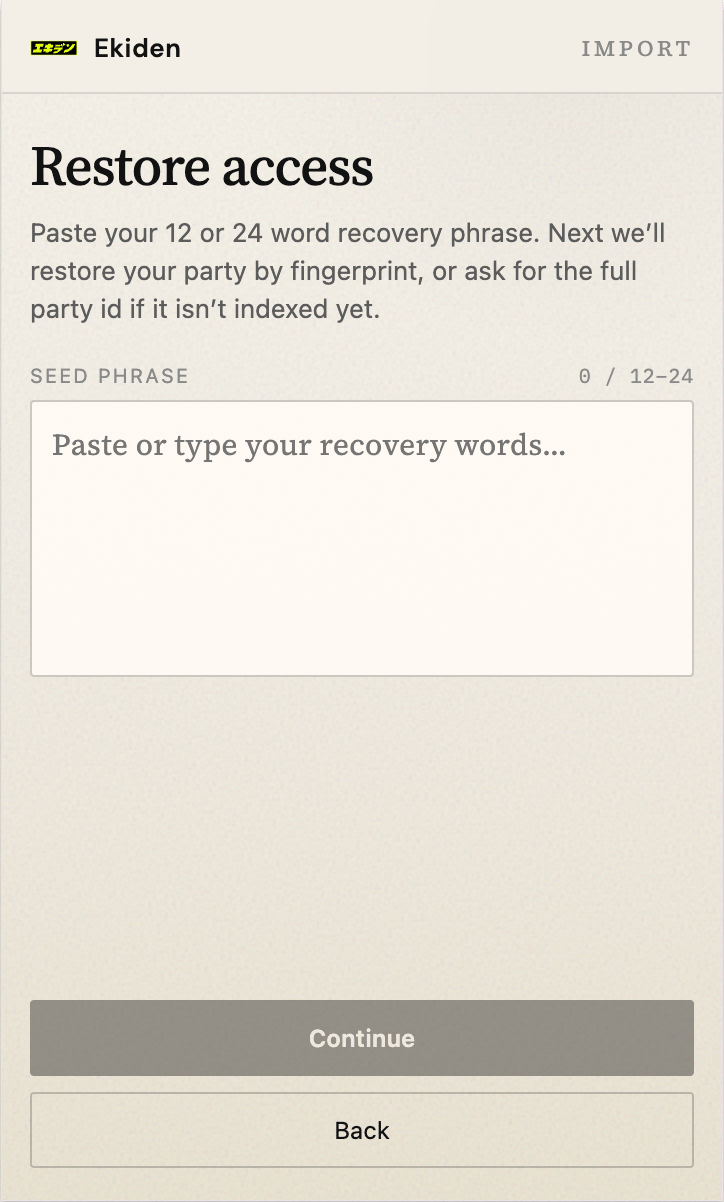
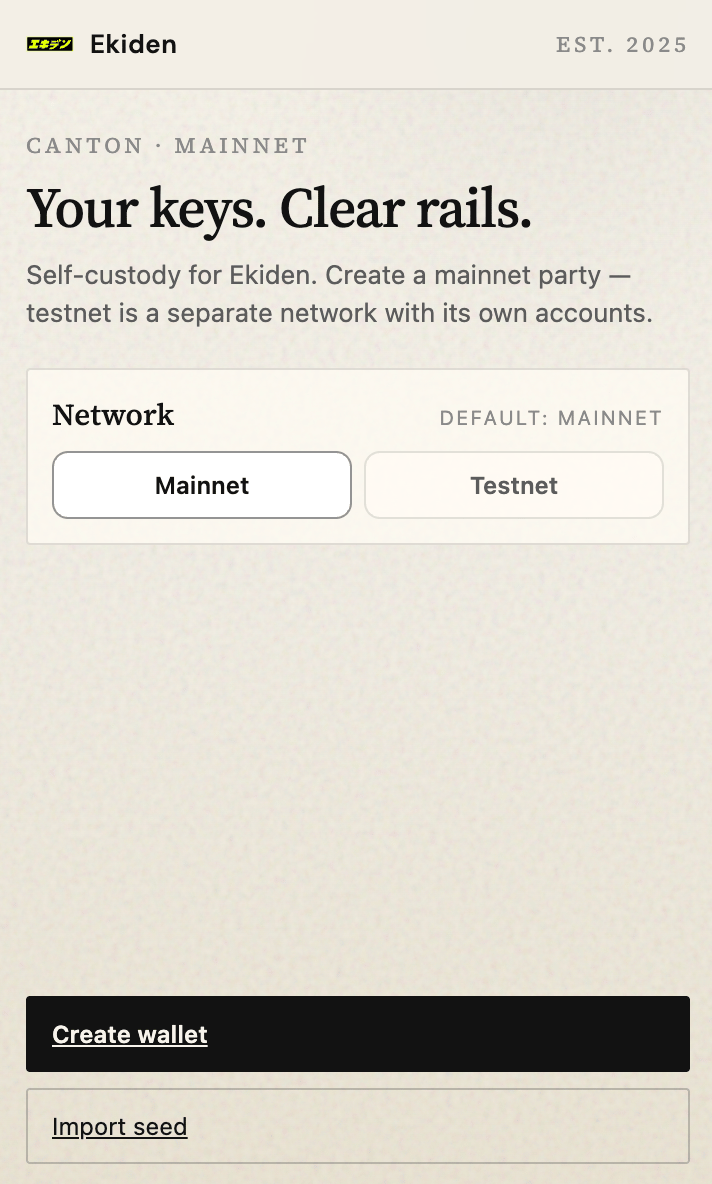
No vault yet. The splash offers Create wallet and Import seed. Ekiden Wallet welcome screen with Create wallet and Import seed options Create asks them to write down the 12 words, confirm, choose a party name (ekiden-<name>), and set a password. Wallet recovery phrase setup Party name and password setup Import asks for the same phrase, then the same party name. The name has to match the party that was allocated with that seed. Fingerprint-only restore does not find the party on this ledger. Import an existing wallet using a recovery phrase
Unlock

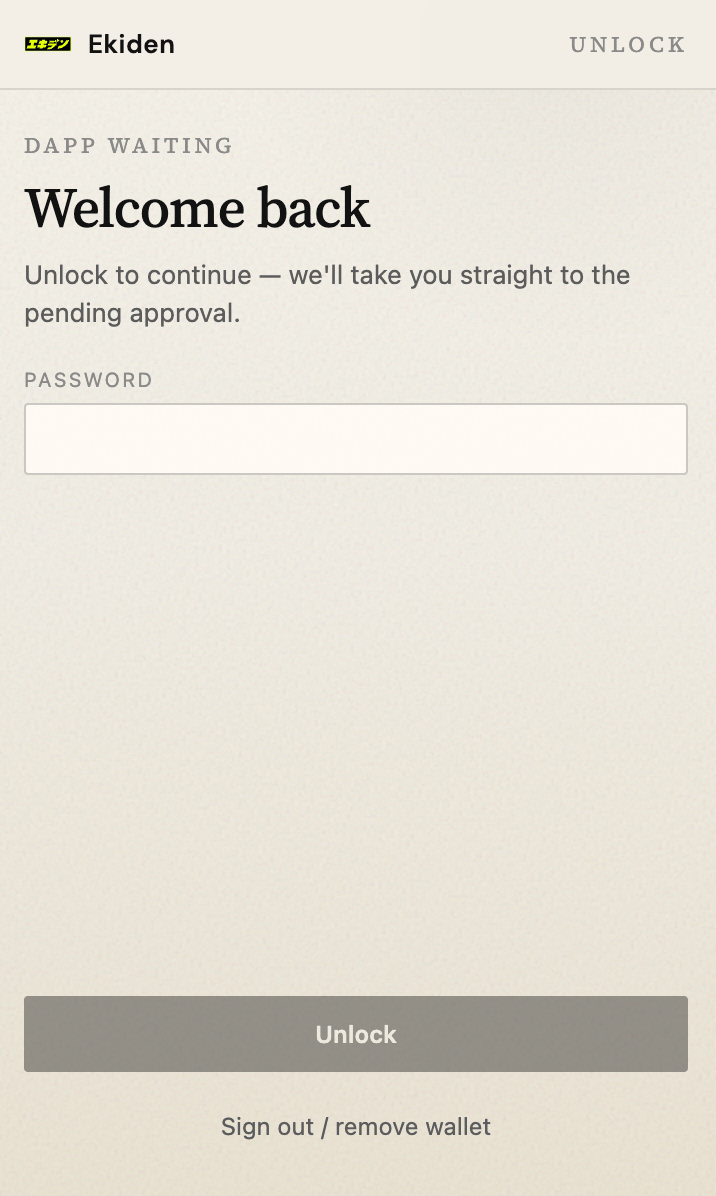
The vault exists and the session is locked. Password, then Unlock. Sign out / remove wallet deletes the local vault. The seed still restores it. Ekiden Wallet unlock screen
Home

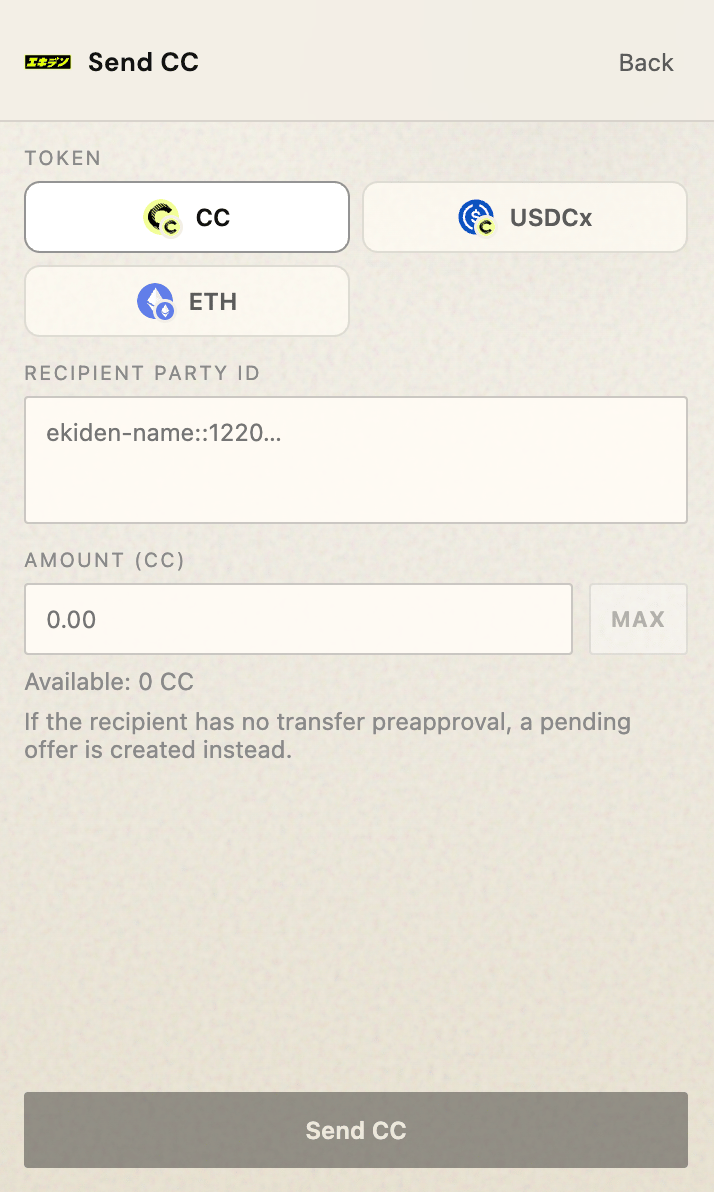
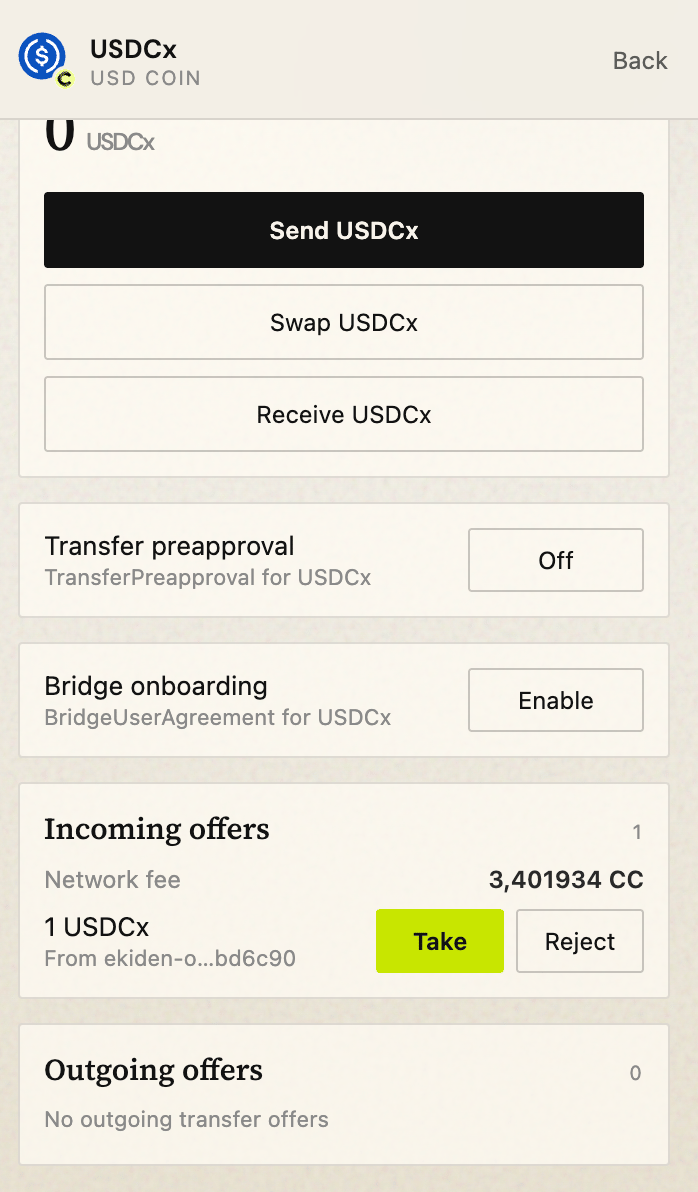
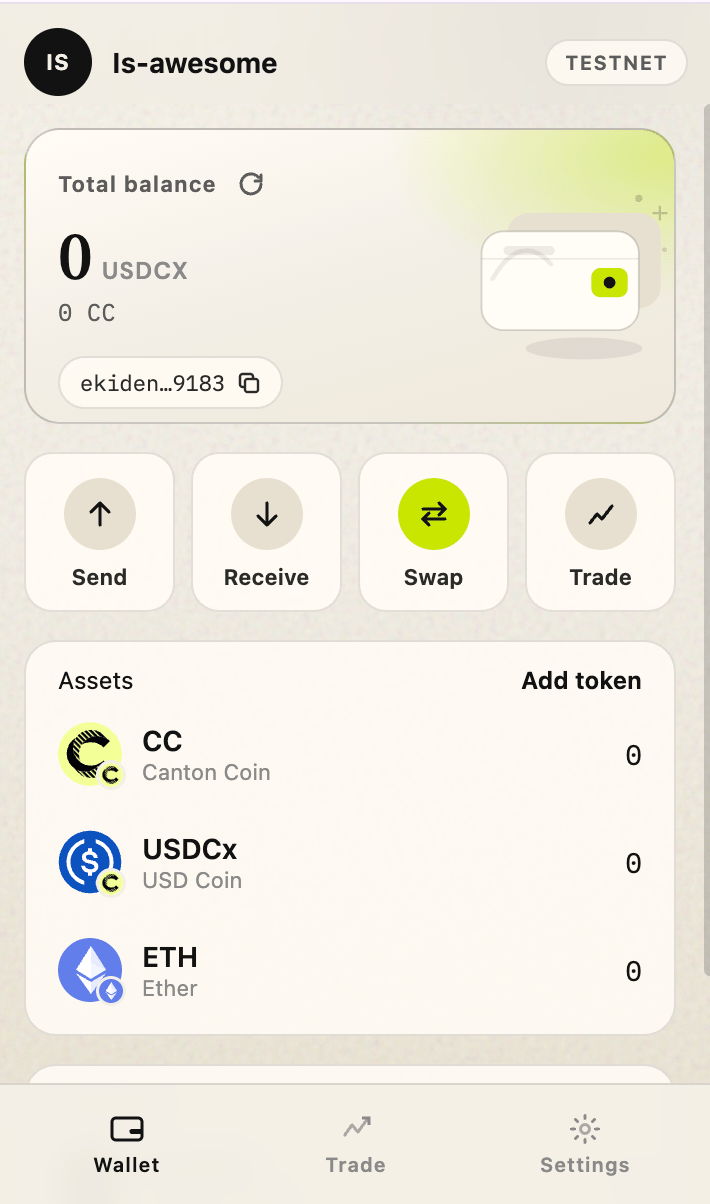
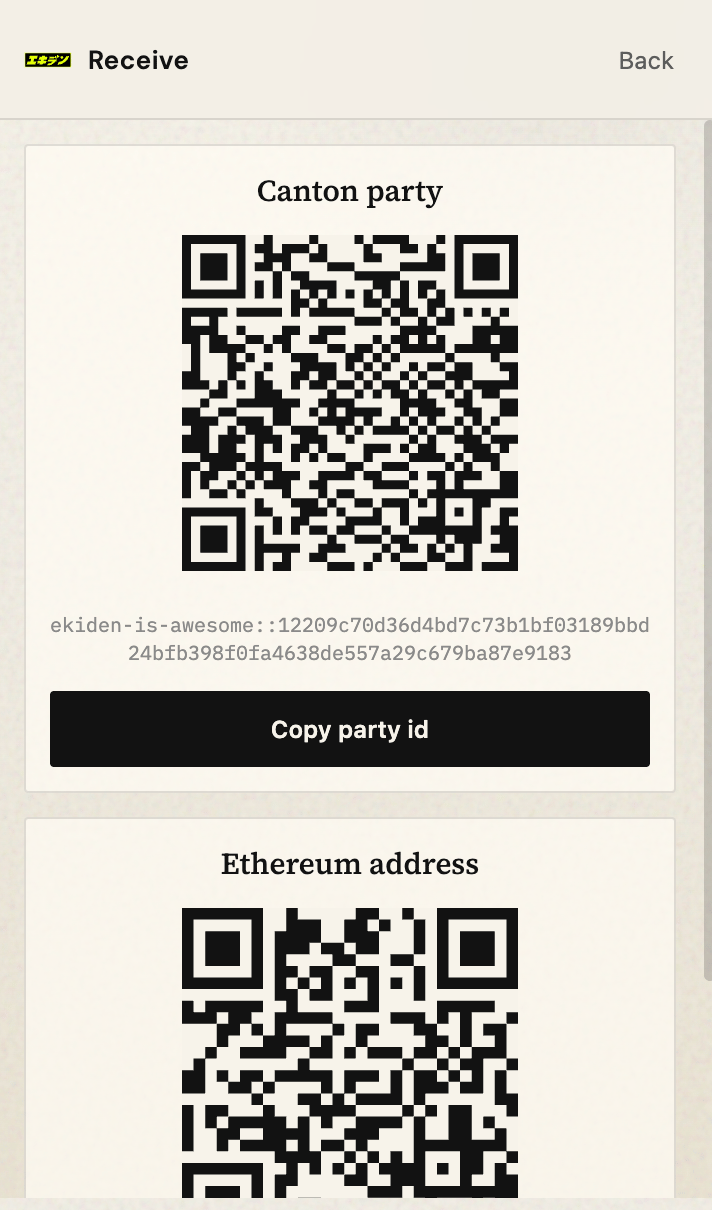
After unlock: party, network, balances. Send, receive, and settings hang off this screen. Ekiden Wallet home screen showing party, network, and balances Receive screen displaying the full Canton party ID Send assets screen with instrument, amount, and recipient Incoming transfer instructions show as offers the user can accept or reject. Incoming transfer offer with Accept and Reject actions
A website connects

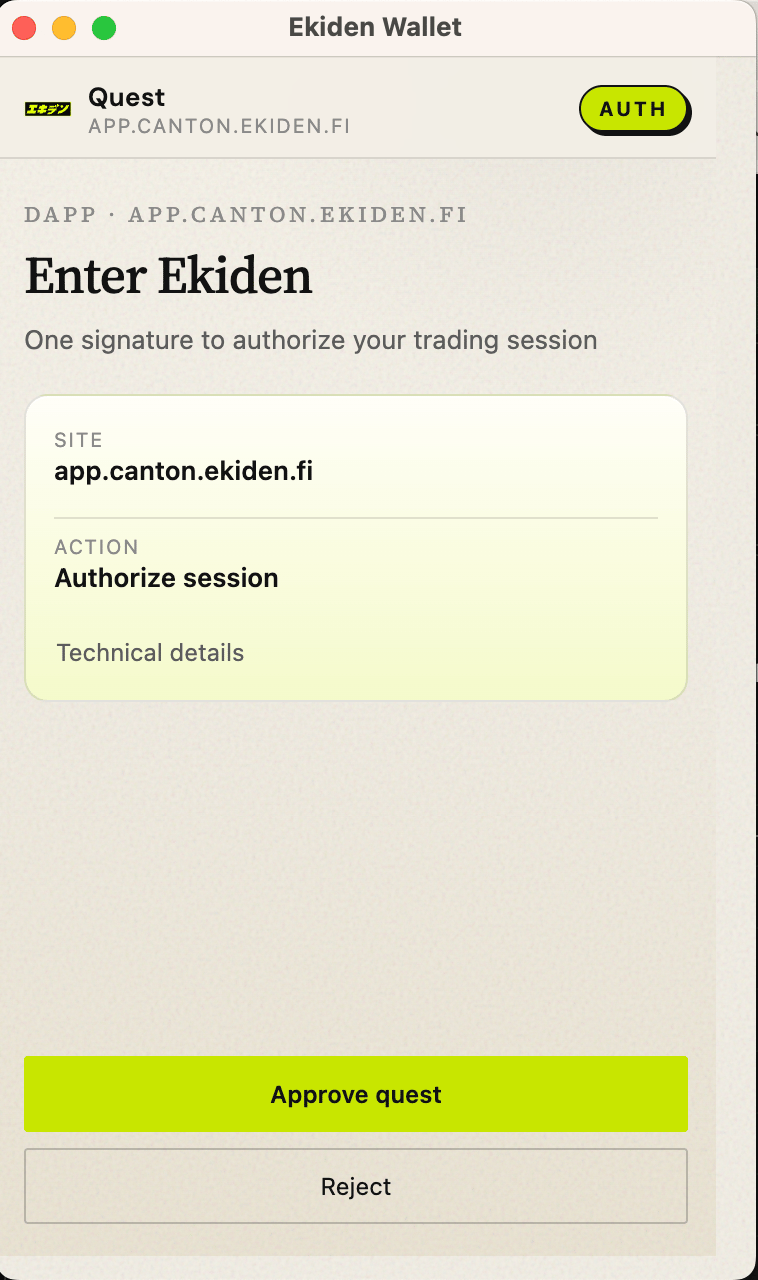
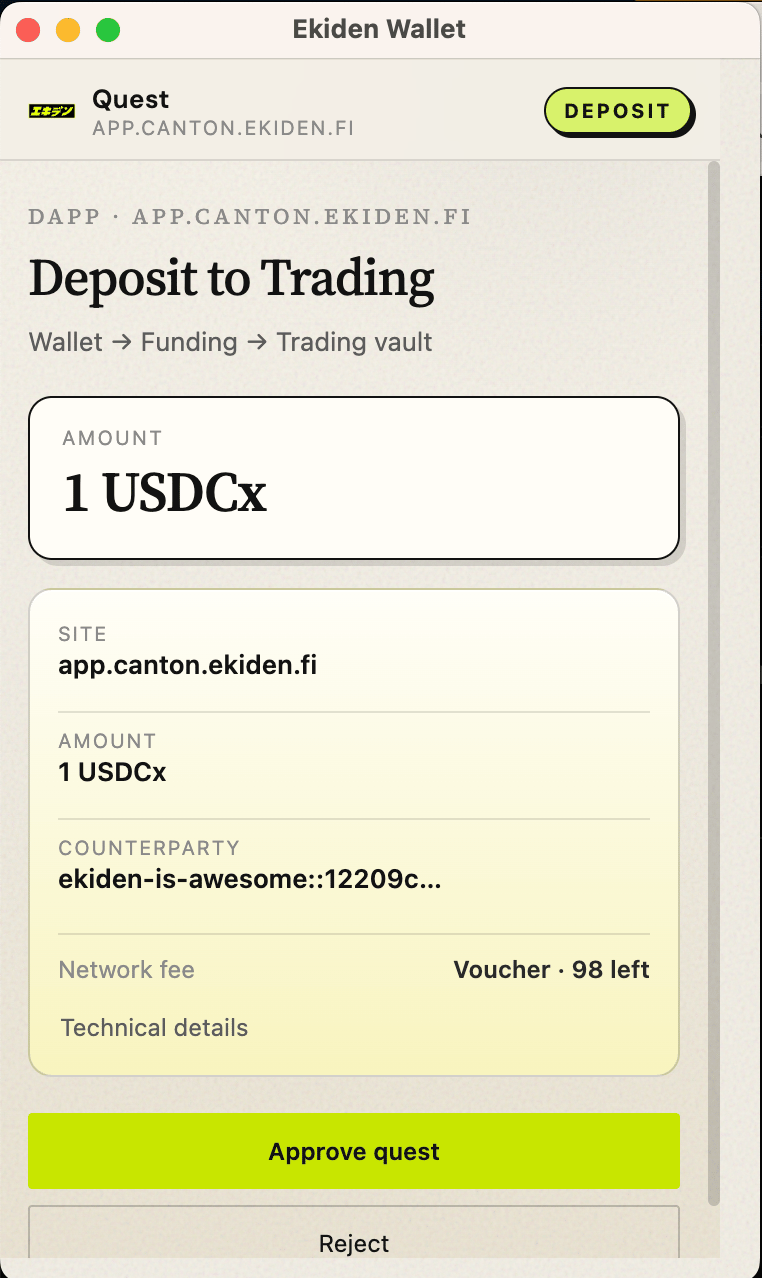
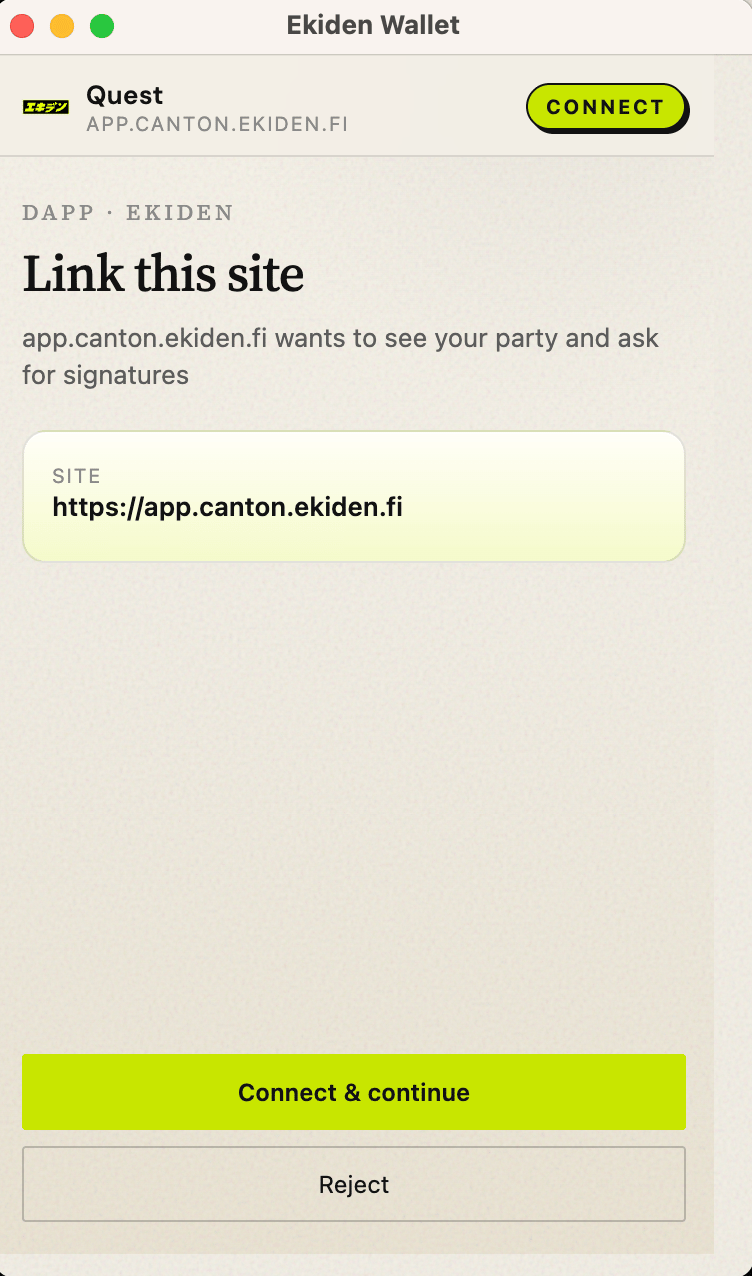
The site calls connect. The extension opens an approval with the origin and the dApp name. dApp connection approval popup Signing a message and submitting a transaction are the same popup family, with the payload summarized. Message signing approval popup Transaction approval popup showing command summary If the user rejects, the site receives “User rejected request” (4001 on the CIP-0103 path). If they accept a transaction, the wallet signs and submits, then the site sees executed and an updateId.
Network

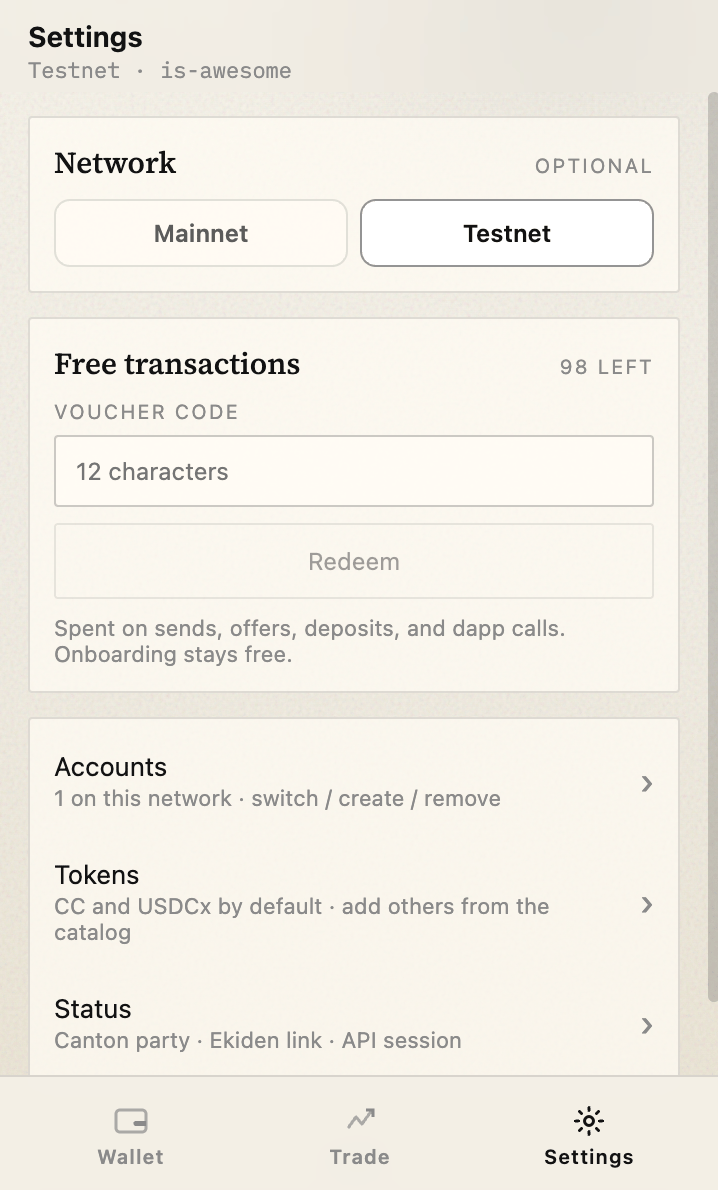
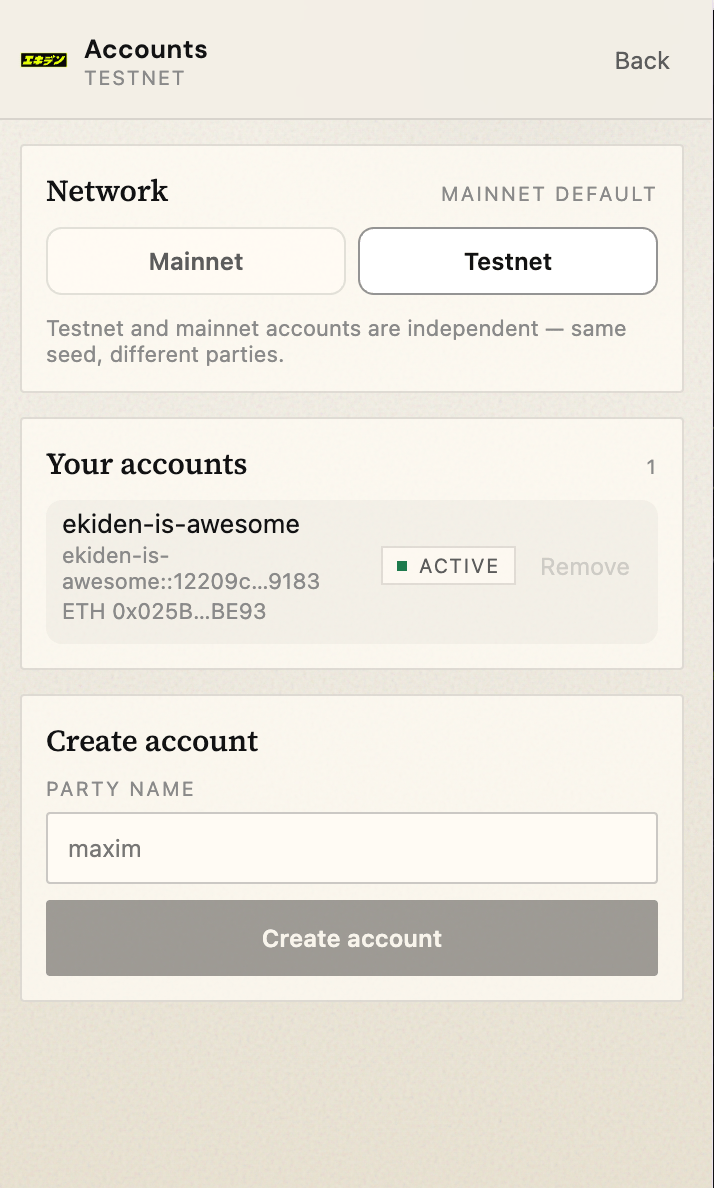
The user picks the network in the wallet. A dApp cannot switch it. A network marked coming soon cannot create or use an account. Wallet network selection screen
Lock and remove

Lock ends the session and returns to Unlock. Sign out removes the vault from this browser profile. Wallet settings with lock and remove wallet options