

- The app should work with any CIP-0103 wallet: Canton dApp SDK.
- The app only supports Ekiden Wallet: Ekiden SDK.
connect on page load.
Canton dApp SDK
canton:announceProvider (id: "ekiden-wallet", target: "ekidenWallet"). If you disable default discovery, register it:
prepareExecute on this path resolves null. Subscribe to txChanged for pending, executed, or failed. executed.payload.updateId is the ledger update id.
Errors from the provider use CIP-0103 codes. 4001 means the user closed the popup.
The wallet will not proxy ledgerApi. Read contracts with your own backend, or use the Ekiden SDK getContracts if you depend on Ekiden specifically.
Ekiden SDK
checkExtensionAvailability is the only call that times out (1 second). Other methods wait until the extension answers. If it is not installed, they never settle — check availability first.
Sign
message may also be { hex } or { base64 }.
Submit
commandId, actAs (defaults to the primary party), synchronizerId, disclosedContracts.
prepareExecuteAndWait submits the same way. It does not poll for finality. completionOffset is 0.
Events
Balances and contracts
getBalance uses the active account. A party argument is ignored. balance is the USDCx amount. tokens is the wallet catalog, including symbol, kind, and balance.
Errors
Approval UX
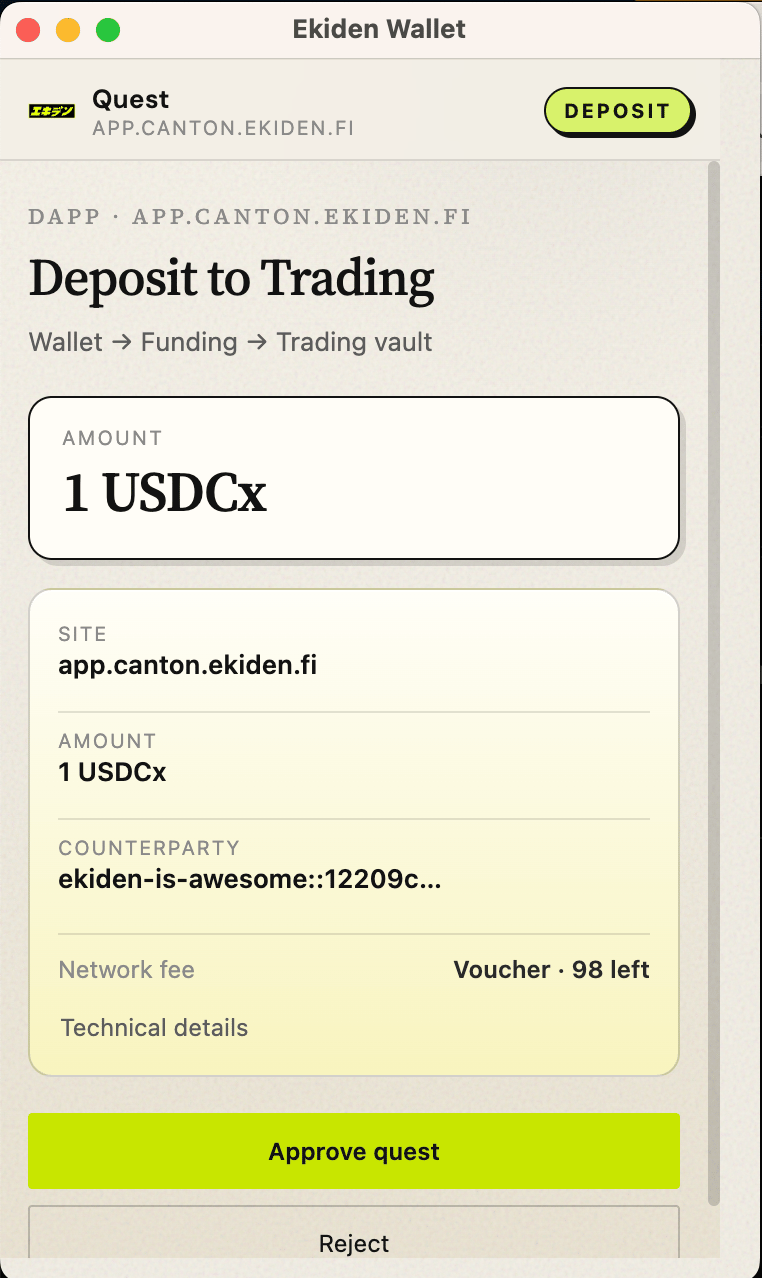
The extension popup is the consent step. The website should say, before the click, which party will sign and what the command does. The popup repeats origin, action, and party. Do not try to hide it or pre-approve from the page.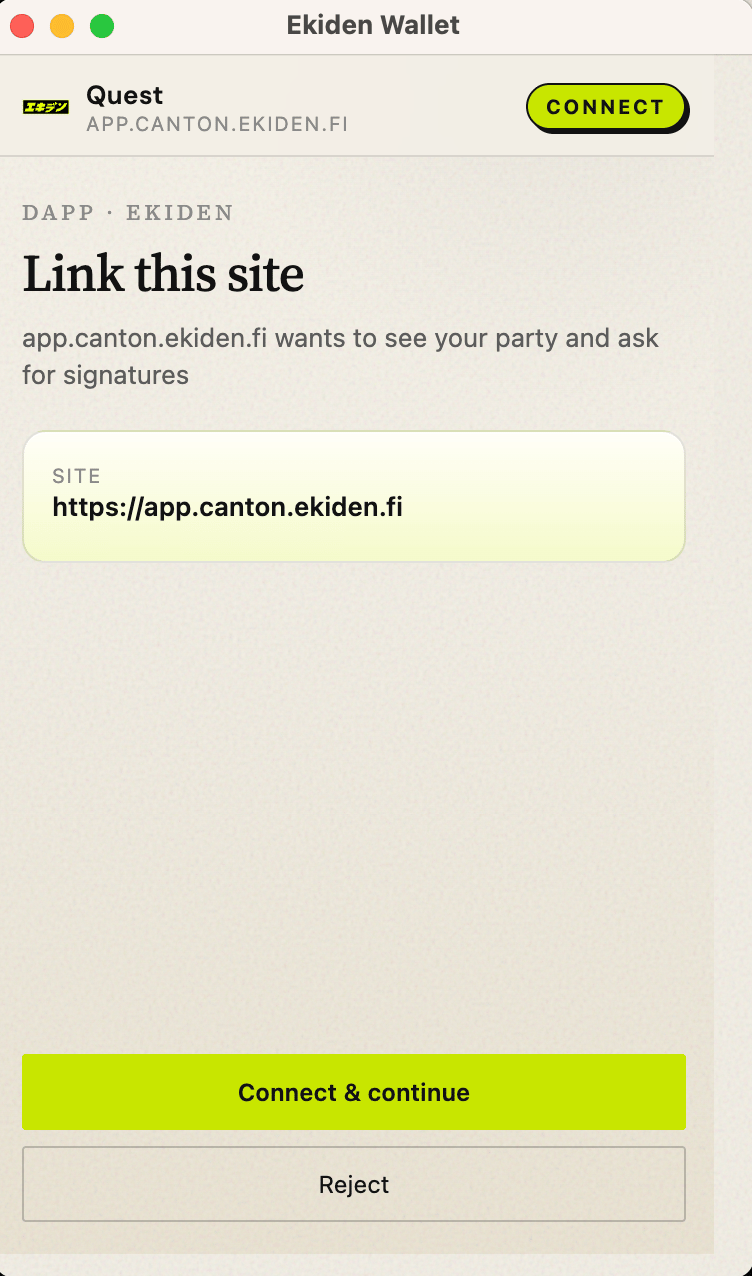
Party id
A party id looks likeekiden-<name>::1220…. The hint (ekiden-<name>) is chosen when the wallet is created. The fingerprint is derived from the public key. dApps should store partyId, not the hint alone.