

Two Canton standards
People often say “CIP-56” for the whole wallet interface. On Canton those are two different proposals.
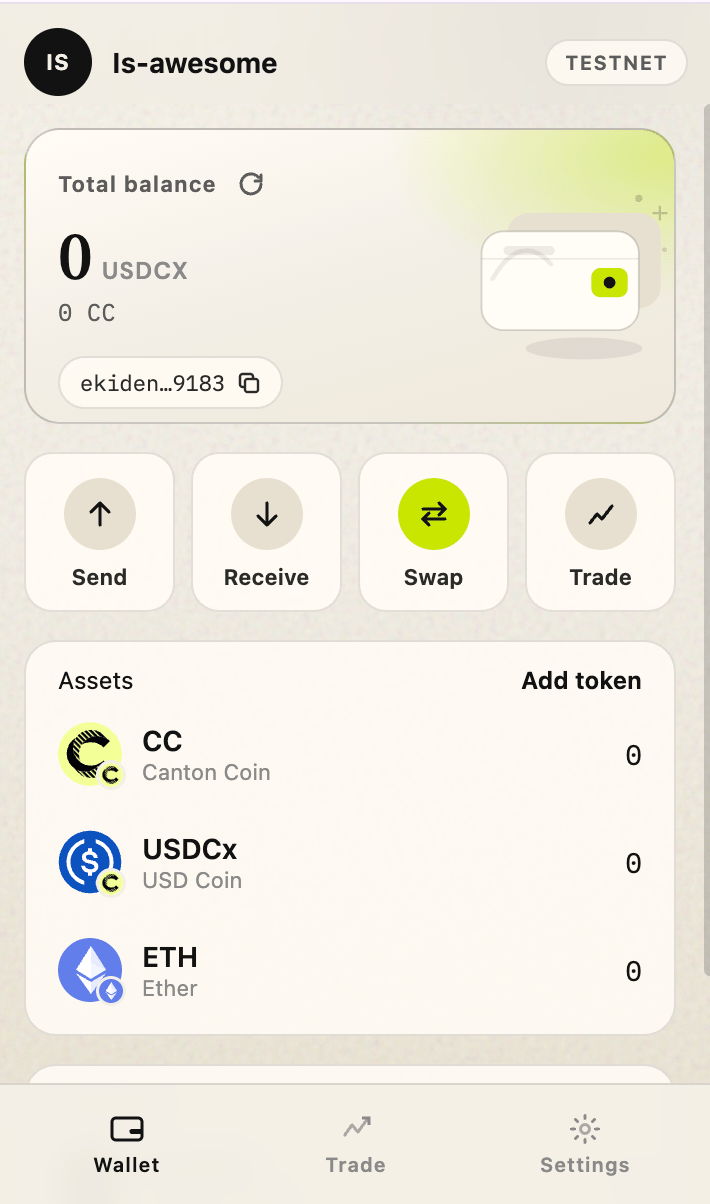
Ekiden implements CIP-0103 as a browser extension (synchronous API). It does not publish a remote JSON-RPC URL and it does not speak WalletConnect. CIP-0056 is how balances and sends are modeled on the ledger, described in CIP-0056.
What a dApp can do
After the user connects the site:- Read the primary party and the other parties on the active network.
- Read the active network id (
canton:testnet,canton:mainnet,canton:devnet). - Ask the user to sign a message.
- Ask the user to prepare, sign, and submit Daml commands (
prepareExecute). - Read holdings and active contracts through the Ekiden SDK methods.
What the wallet does not do
- No open proxy of the participant JSON Ledger API (
ledgerApi). Reads go through the Ekiden gateway methods. See CIP-0103 gaps. - No QR / mobile session.
- No remote
userUrllogin. Approval happens in the extension popup, which is the synchronous CIP-0103 model.
How it works
Ekiden Wallet interactions follow three main stages:- Discovery — the dApp detects the wallet extension.
- Connect — the user authorizes the connection.
- Submit — the user approves signing and transaction submission.