> ## Documentation Index
> Fetch the complete documentation index at: https://docs.ekiden.fi/llms.txt
> Use this file to discover all available pages before exploring further.
# User Flows
> Learn how to create, import, unlock, and use Ekiden Wallet.
This guide covers the main actions available in the Ekiden Wallet browser extension, from creating a wallet to approving transactions and managing networks.
## First open
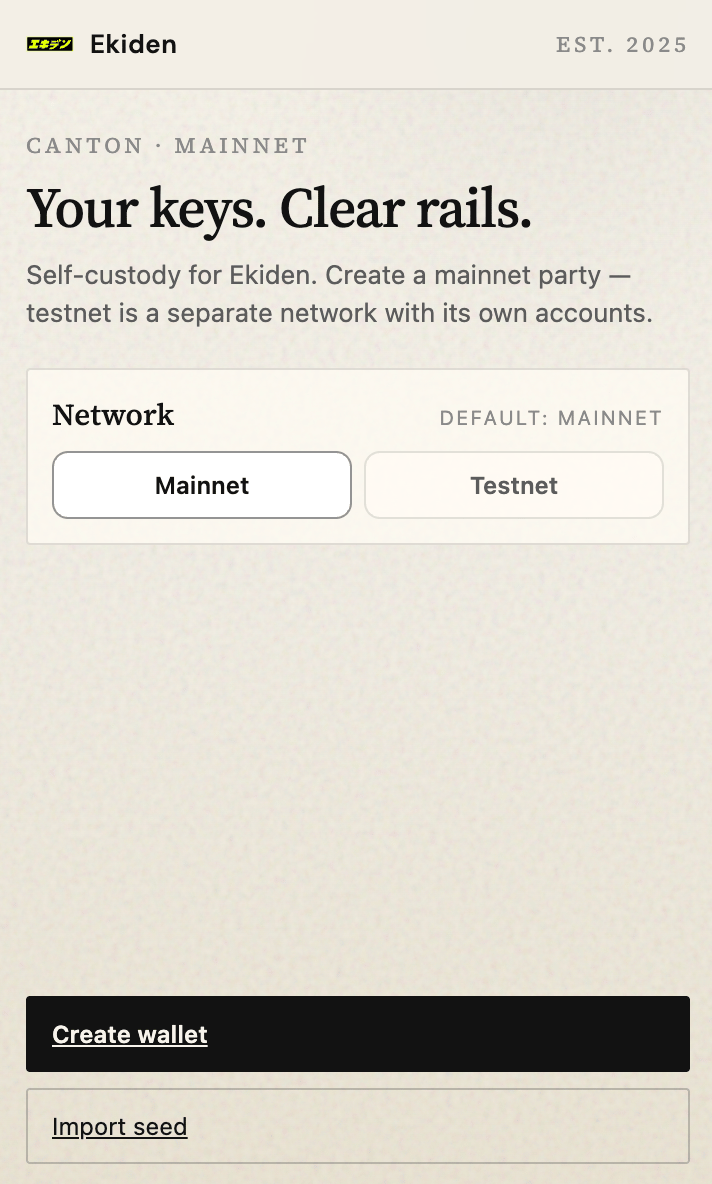
No vault yet. The splash offers **Create wallet** and **Import seed**.
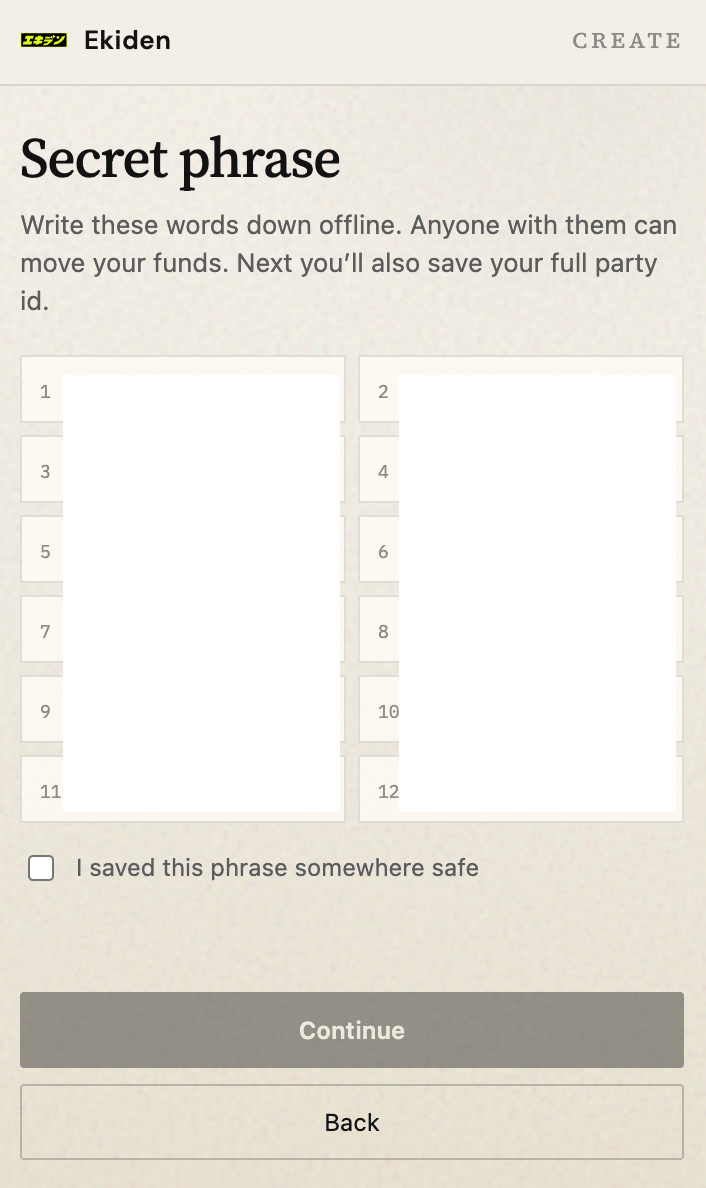
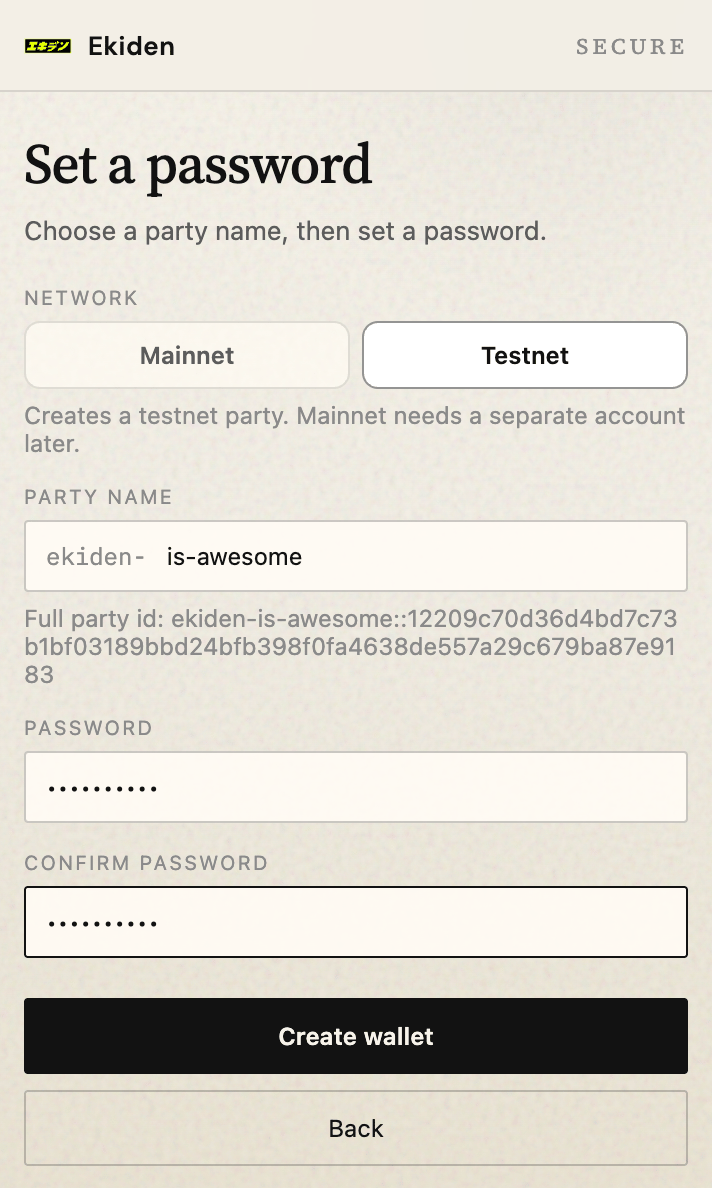
 Create asks them to write down the 12 words, confirm, choose a party name (`ekiden-`), and set a password.
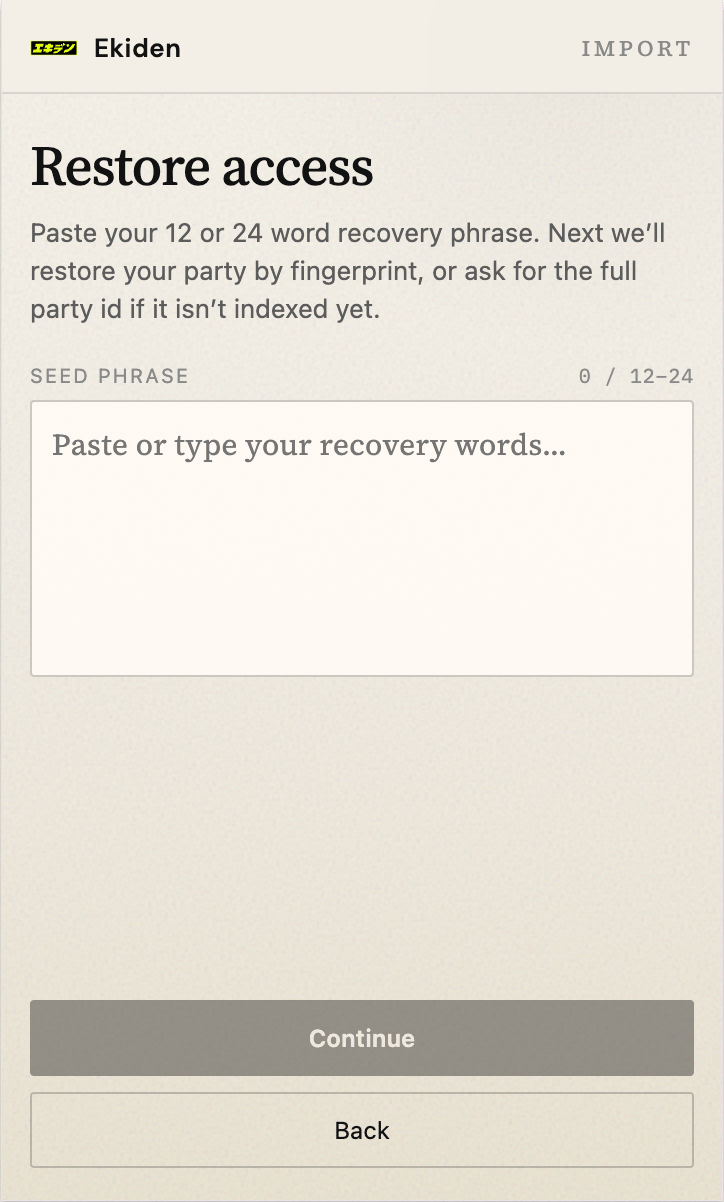
 Import asks for the same phrase, then the same party name. The name has to match the party that was allocated with that seed. Fingerprint-only restore does not find the party on this ledger.
 ## Unlock
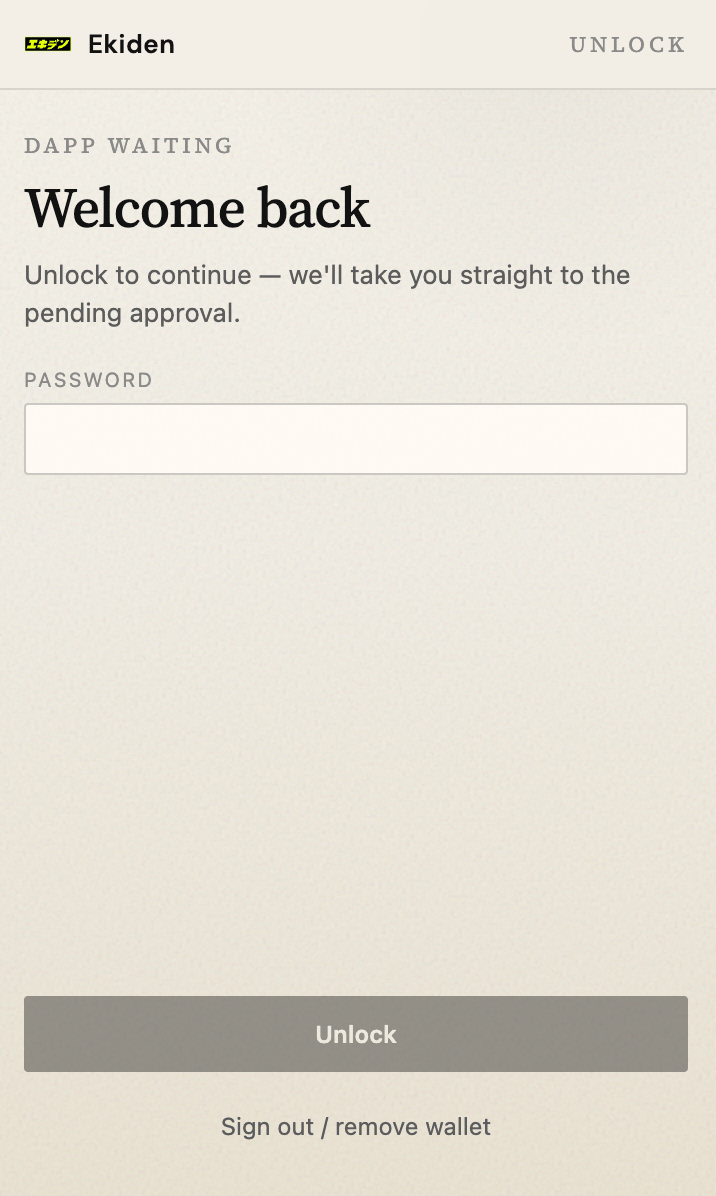
The vault exists and the session is locked. Password, then **Unlock**. **Sign out / remove wallet** deletes the local vault. The seed still restores it.
## Unlock
The vault exists and the session is locked. Password, then **Unlock**. **Sign out / remove wallet** deletes the local vault. The seed still restores it.
 ## Home
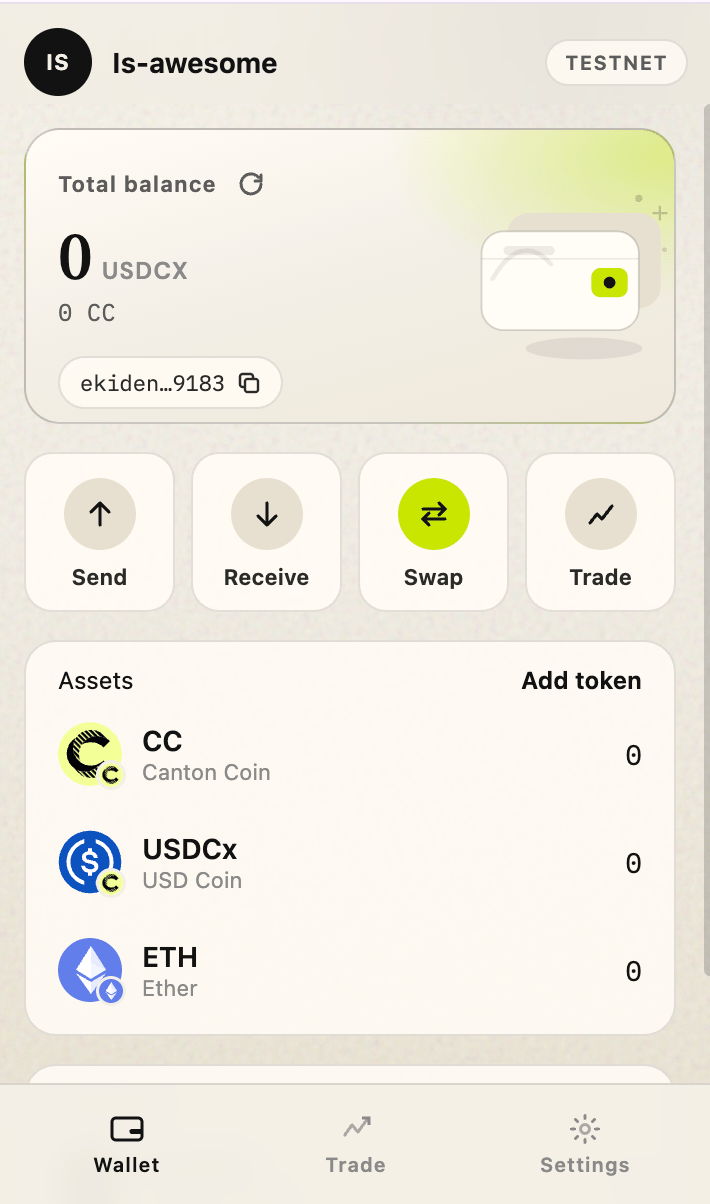
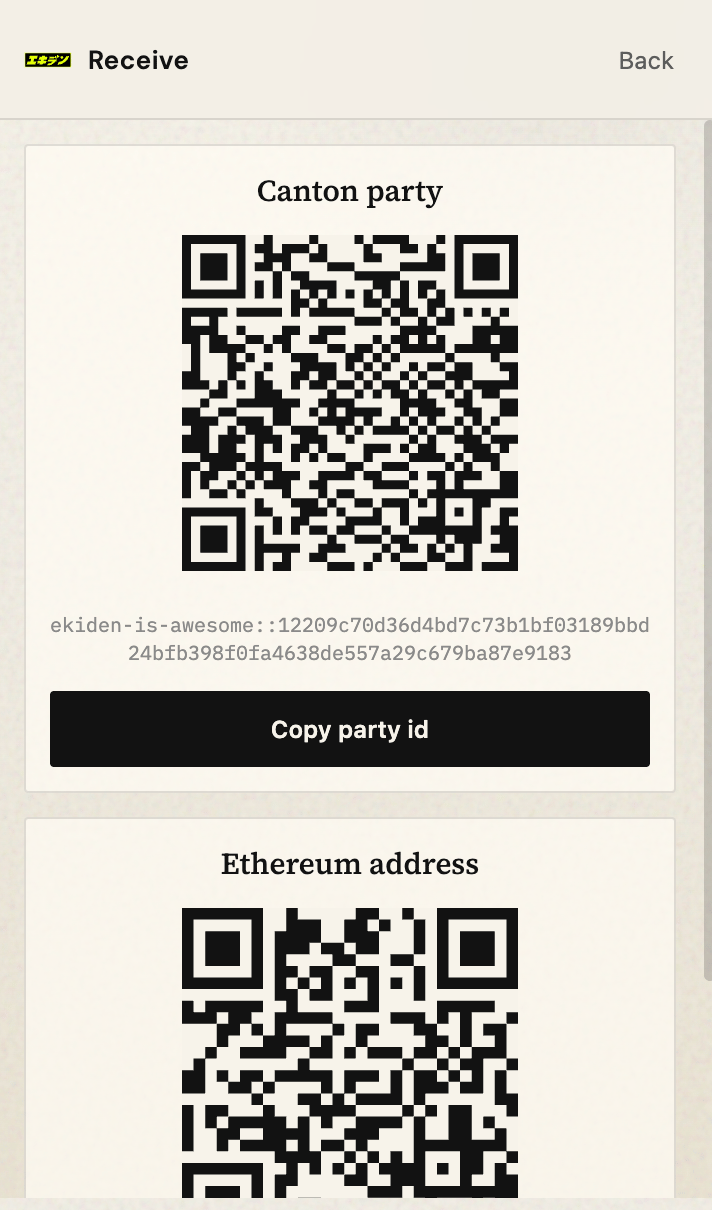
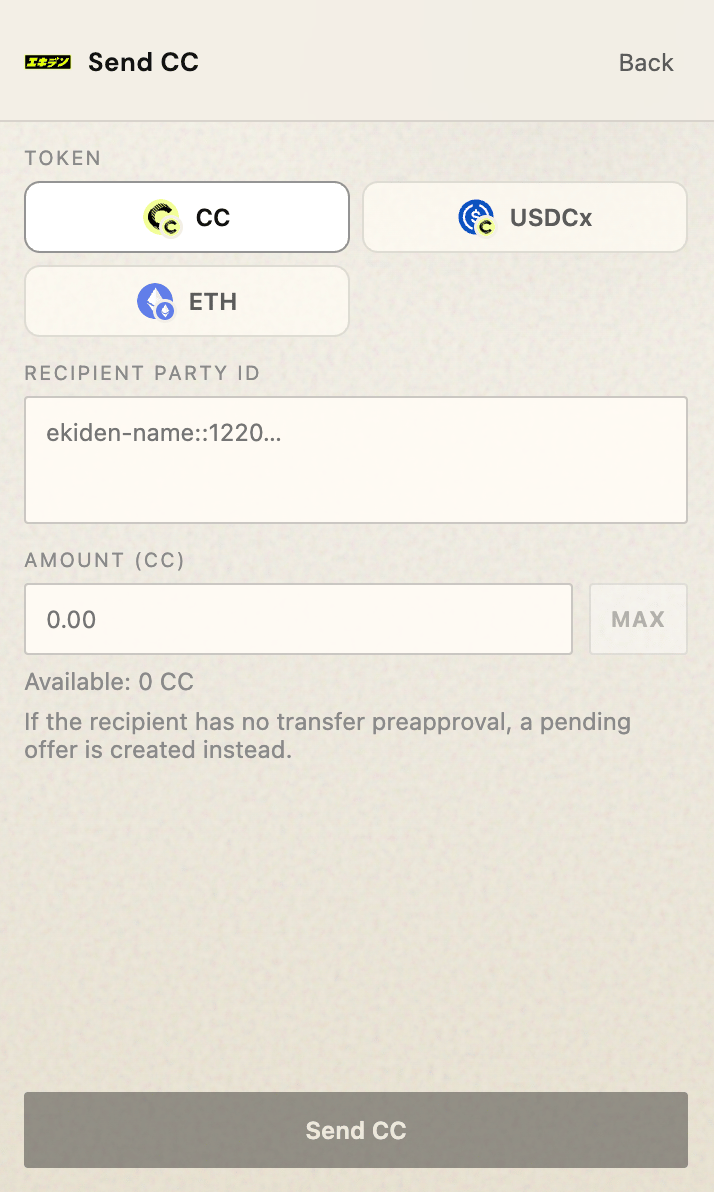
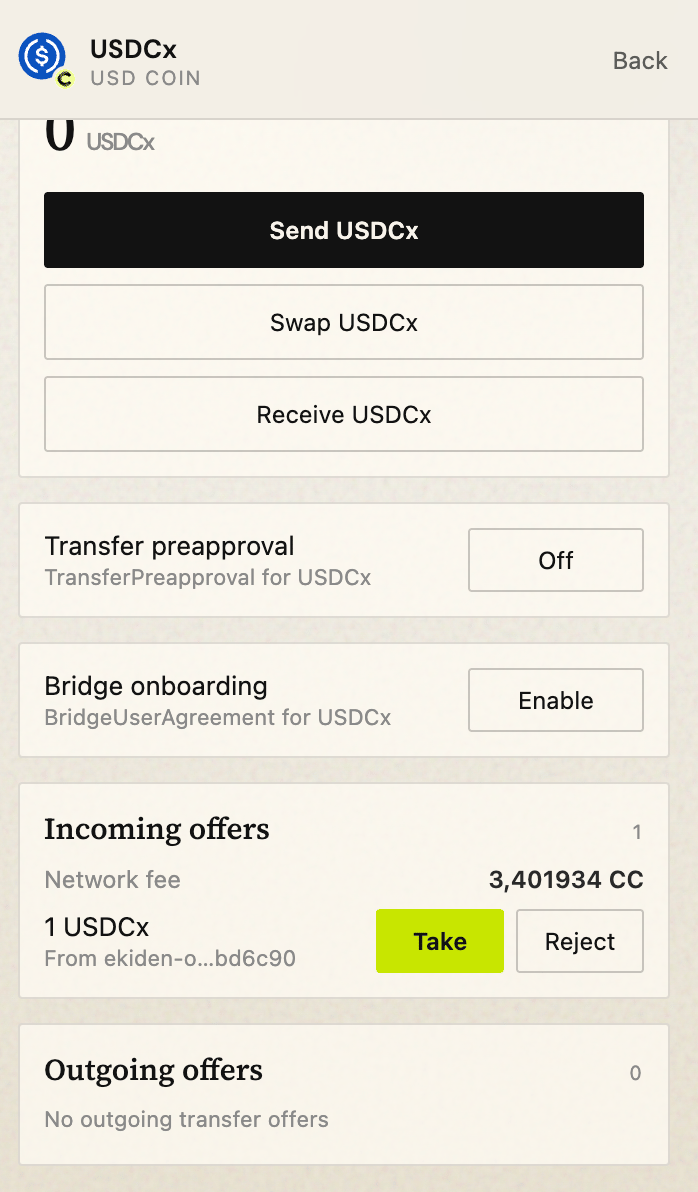
After unlock: party, network, balances. Send, receive, and settings hang off this screen.
## Home
After unlock: party, network, balances. Send, receive, and settings hang off this screen.
 Incoming transfer instructions show as offers the user can accept or reject.
 ## A website connects
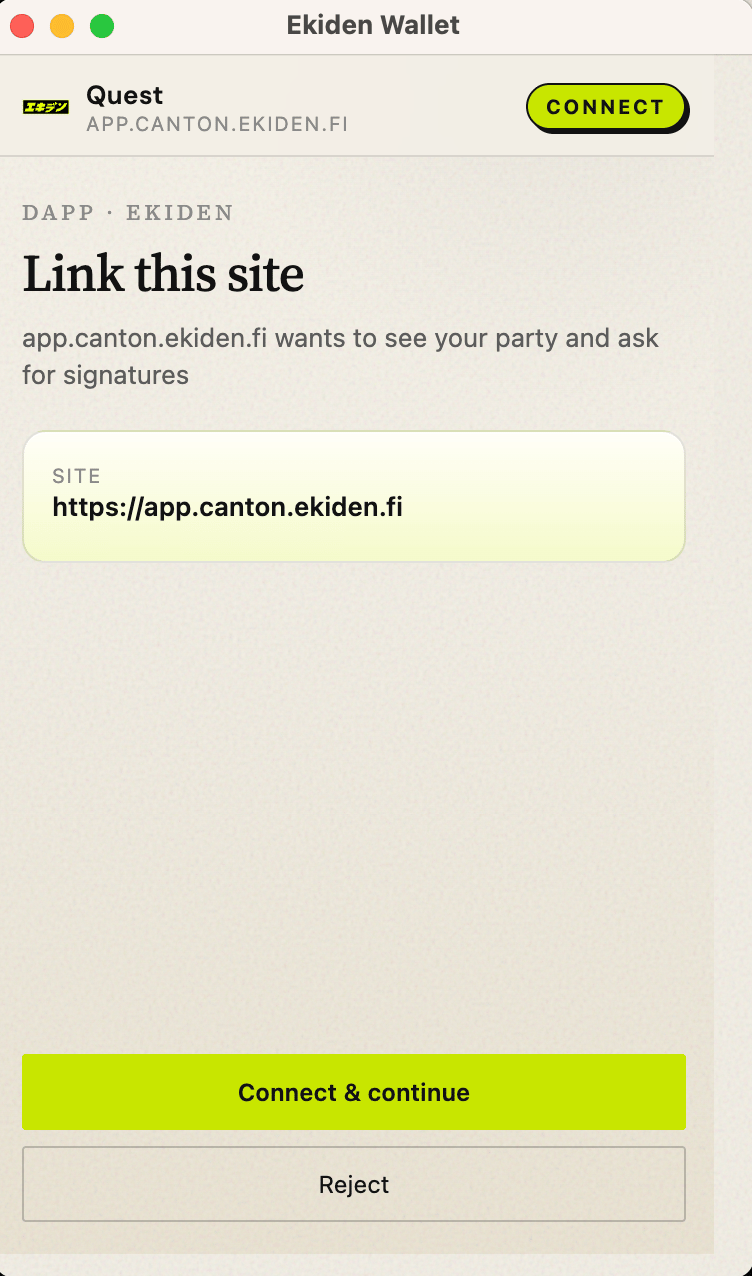
The site calls `connect`. The extension opens an approval with the origin and the dApp name.
## A website connects
The site calls `connect`. The extension opens an approval with the origin and the dApp name.
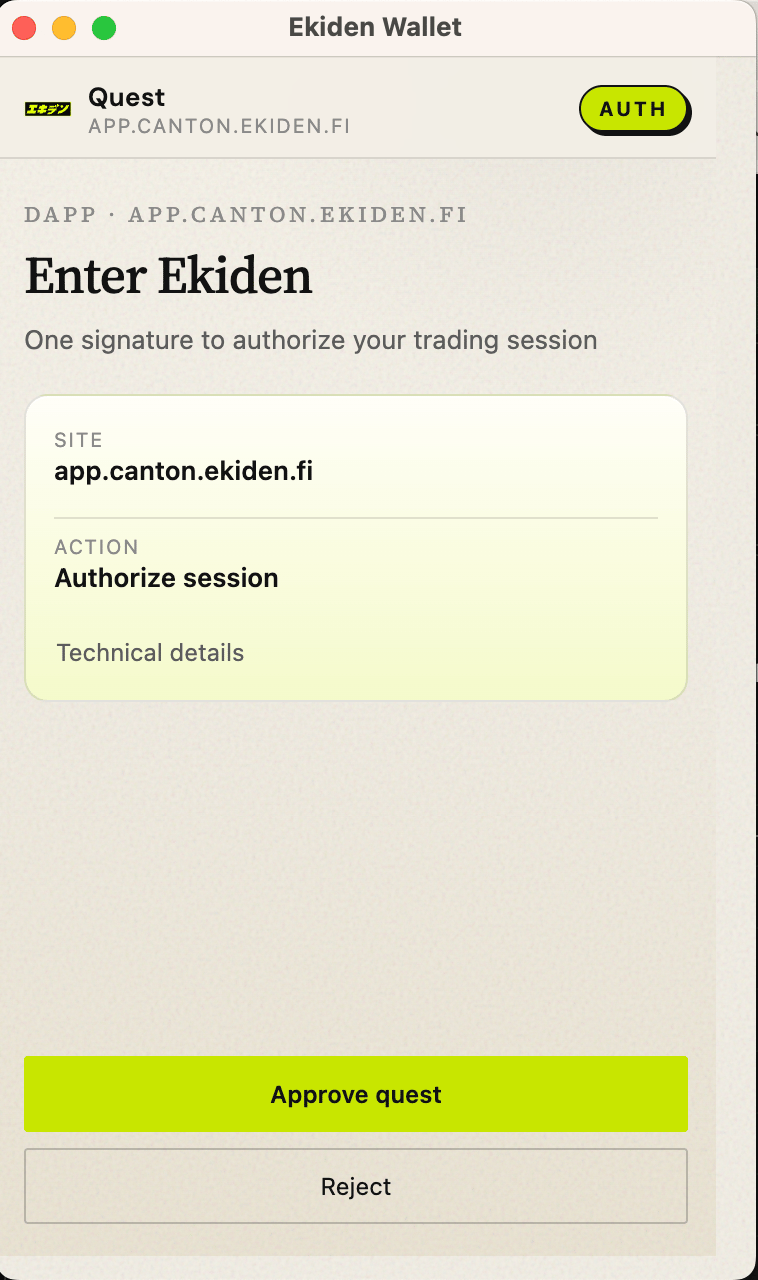
 Signing a message and submitting a transaction are the same popup family, with the payload summarized.
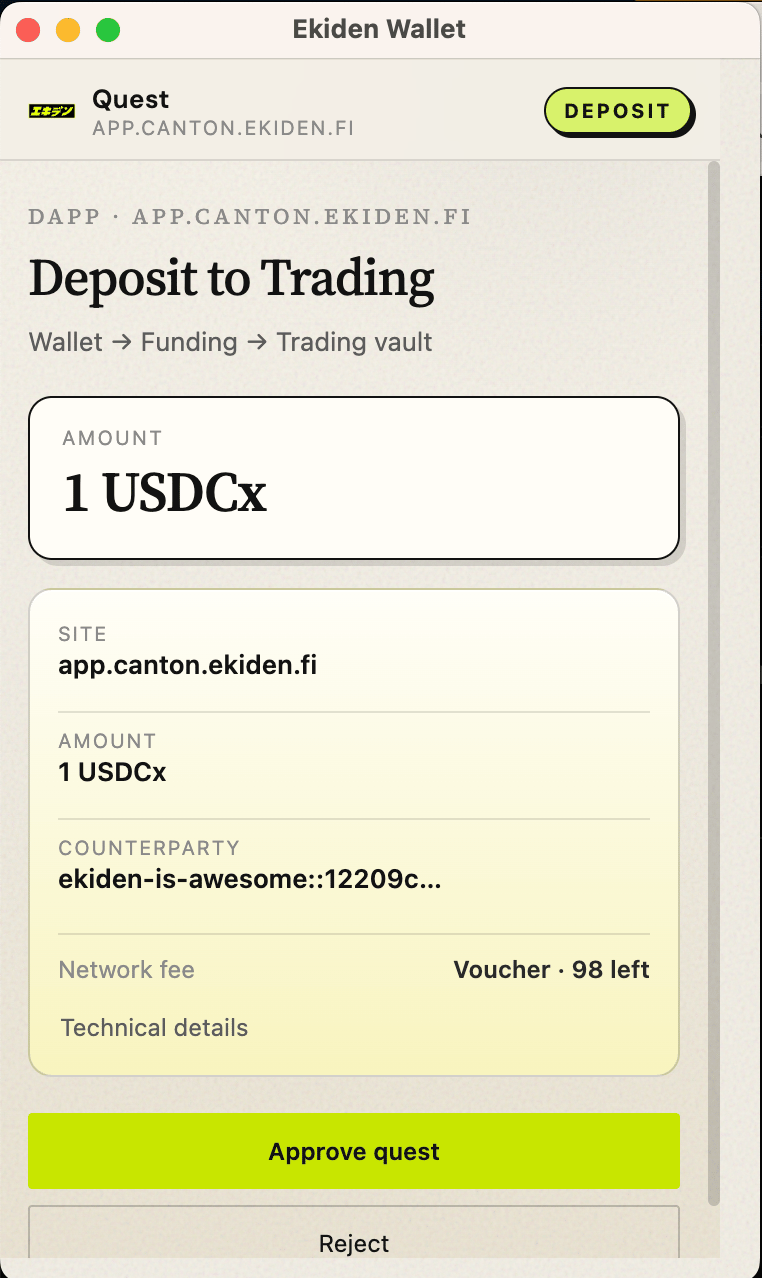 If the user rejects, the site receives “User rejected request” (`4001` on the CIP-0103 path). If they accept a transaction, the wallet signs and submits, then the site sees `executed` and an `updateId`.
## Network
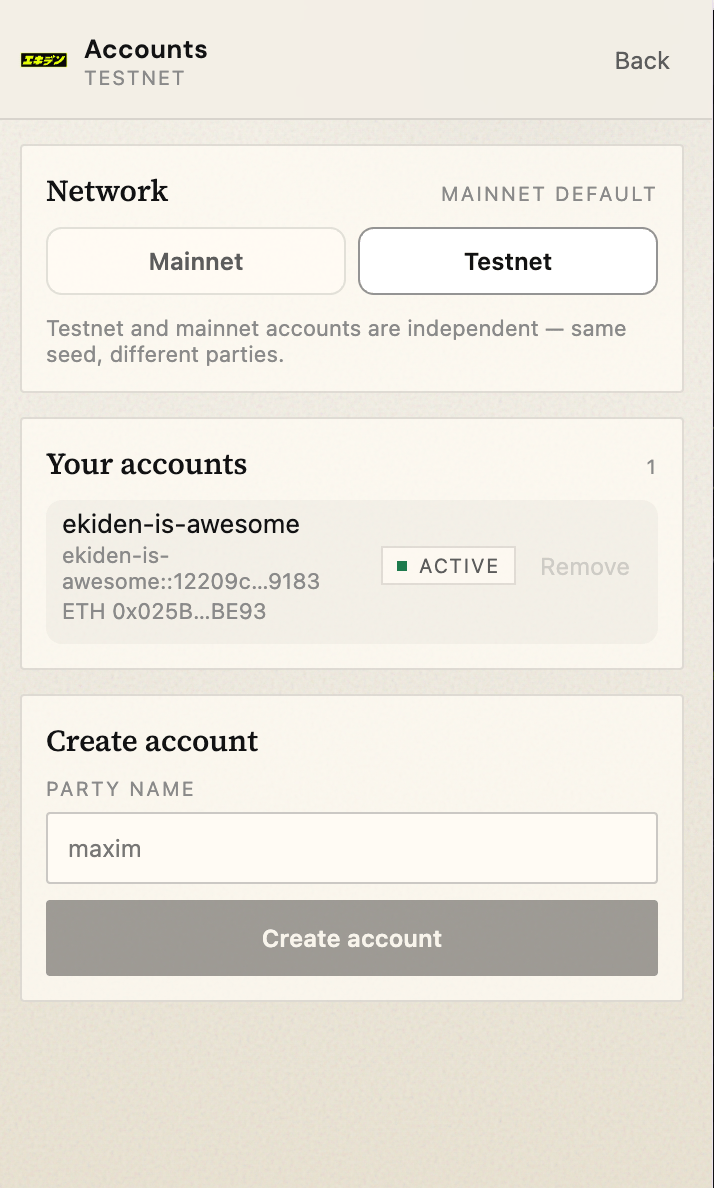
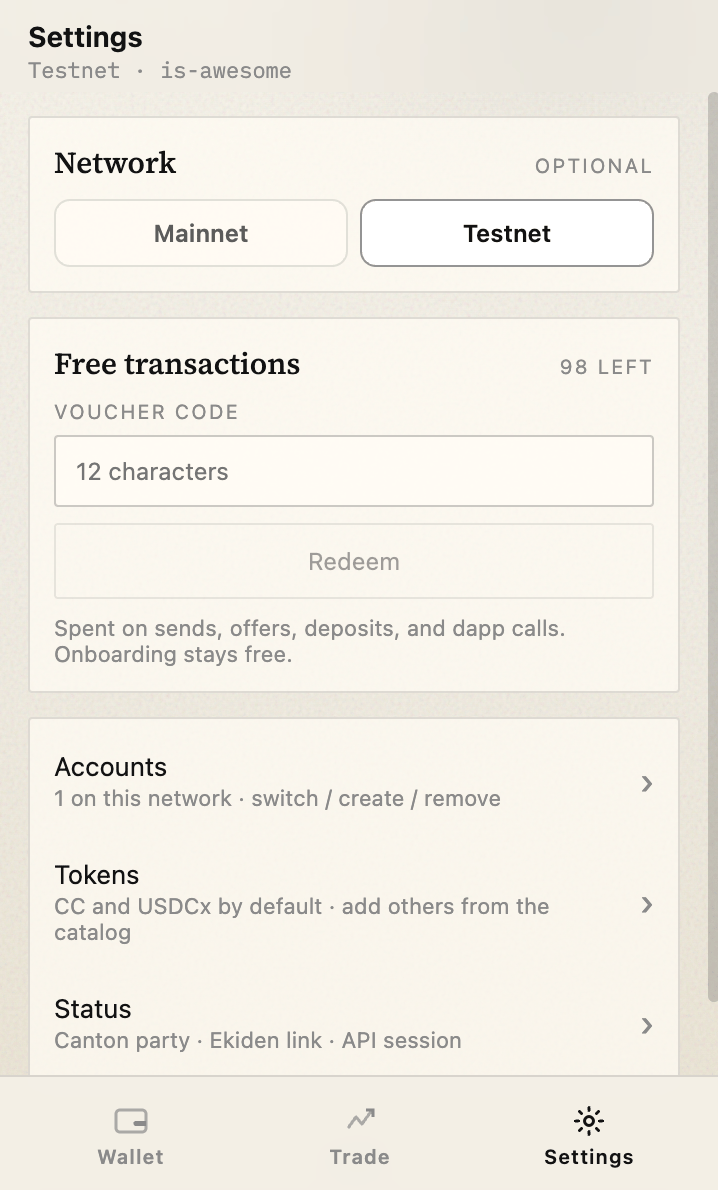
The user picks the network in the wallet. A dApp cannot switch it. A network marked coming soon cannot create or use an account.
If the user rejects, the site receives “User rejected request” (`4001` on the CIP-0103 path). If they accept a transaction, the wallet signs and submits, then the site sees `executed` and an `updateId`.
## Network
The user picks the network in the wallet. A dApp cannot switch it. A network marked coming soon cannot create or use an account.
 ## Lock and remove
Lock ends the session and returns to Unlock. Sign out removes the vault from this browser profile.
## Lock and remove
Lock ends the session and returns to Unlock. Sign out removes the vault from this browser profile.
 This documentation is built and hosted on [Mintlify](https://mintlify.com), a developer documentation platform.